Simplify Your HIPAA Compliance Journey
Build HIPAA-supportable healthcare applications using Vonage programmable Video, Voice, Messages, and Verify APIs — backed by a signed Business Associate Agreement (BAA). With 9+ years of healthcare expertise and an enterprise-grade, scalable platform, Vonage can be your partner to set up cross-channel patient communications that meet HIPAA requirements.
HIPAA support and BAA coverage apply to U.S. traffic only.

Thanks for contacting us!
A Vonage expert will get back to you shortly. In the meantime, feel free to explore the new Vonage and how we're making communications more flexible, intelligent and personal so our customers can stay ahead.
Explore Vonage APIs available under the Vonage BAA for U.S. Traffic
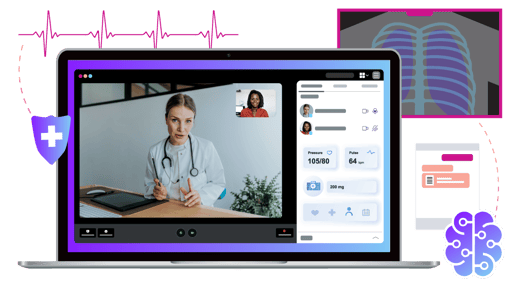
Video API
Enable HIPAA-supportable telehealth consultations and group sessions.
End-to-end encryption for all video and audio streams
Role-based access control (RBAC)
Configurable data retention policies

Voice API
Enable HIPAA-supportable phone calls, voicemail, IVR, and AI-powered voice agents.
Encryption for voice calls in transit and at rest
Call recording with access controls
Number masking to protect patient privacy
Voice AI agents via BYOAI architecture
Note: Voice AI compliance depends on both API configuration and the connected AI engine.

Messages API
SMS and MMS messaging between providers and patients — available under the Vonage BAA for U.S. traffic.
TLS/HTTPS encryption in transit
Advanced auto-redact for PHI in logs
Vonage Redact API integration
Note: Dedicated numbers must be designated exclusively for HIPAA-covered messaging.

Verify API
Identity verification for HIPAA-supportable apps — confirm patient and provider identities before granting access to PHI.
Two-factor authentication (2FA) and step-up authentication
Multi-channel OTP (SMS, Voice, Email, RCS)
Silent authentication and fraud detection
Note: Contact your account manager to activate under your BAA.
How Vonage Addresses HIPAA Requirements
Here’s how you can use Vonage solutions to build solutions that meet HIPAA requirements for your patient communications:
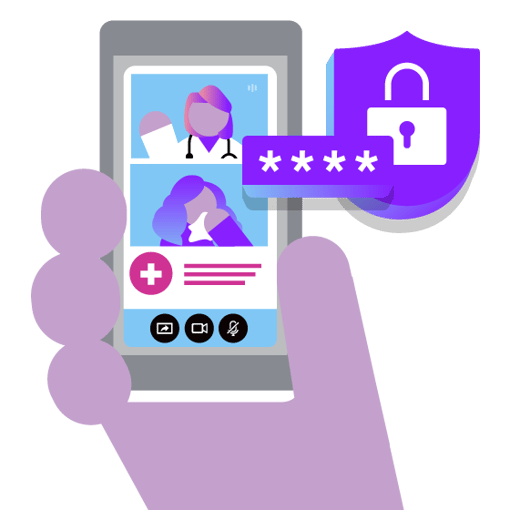
Encryption: Voice, video, and messaging data is protected by TLS and HTTPS. PHI stored in Vonage data centers is encrypted with strong algorithms.
Access Controls: Role-based access control (RBAC) and MFA limit who can access sensitive data.
Monitoring & Auditing: Vonage Audit API logs who accessed PHI, what actions were performed, and when.
Data Redaction: Vonage Redact API removes sensitive patient information from communications logs and recordings.
Five Steps to Help Build HIPAA Compliant Communications

Step 1 — Sign a BAA
Contact your account manager to review and sign the Business Associate Agreement.

Step 2 — Configure Data Residency
Select a U.S.-based region to store and process PHI.

Step 3 — Activate HIPAA Features
Activate HIPAA support for the relevant APIs and designate covered numbers for messaging.

Step 4 — Add Identity Verification
Activate the Verify API under your BAA to protect patient and provider access.

Step 5 — Implement Technical Safeguards
Configure RBAC, MFA, auto-redact, and audit logging per HIPAA requirements.